
Replace Slack + Notion with One Tool
See how LumifyHub combines team chat and docs in one workspace. No more switching between apps.
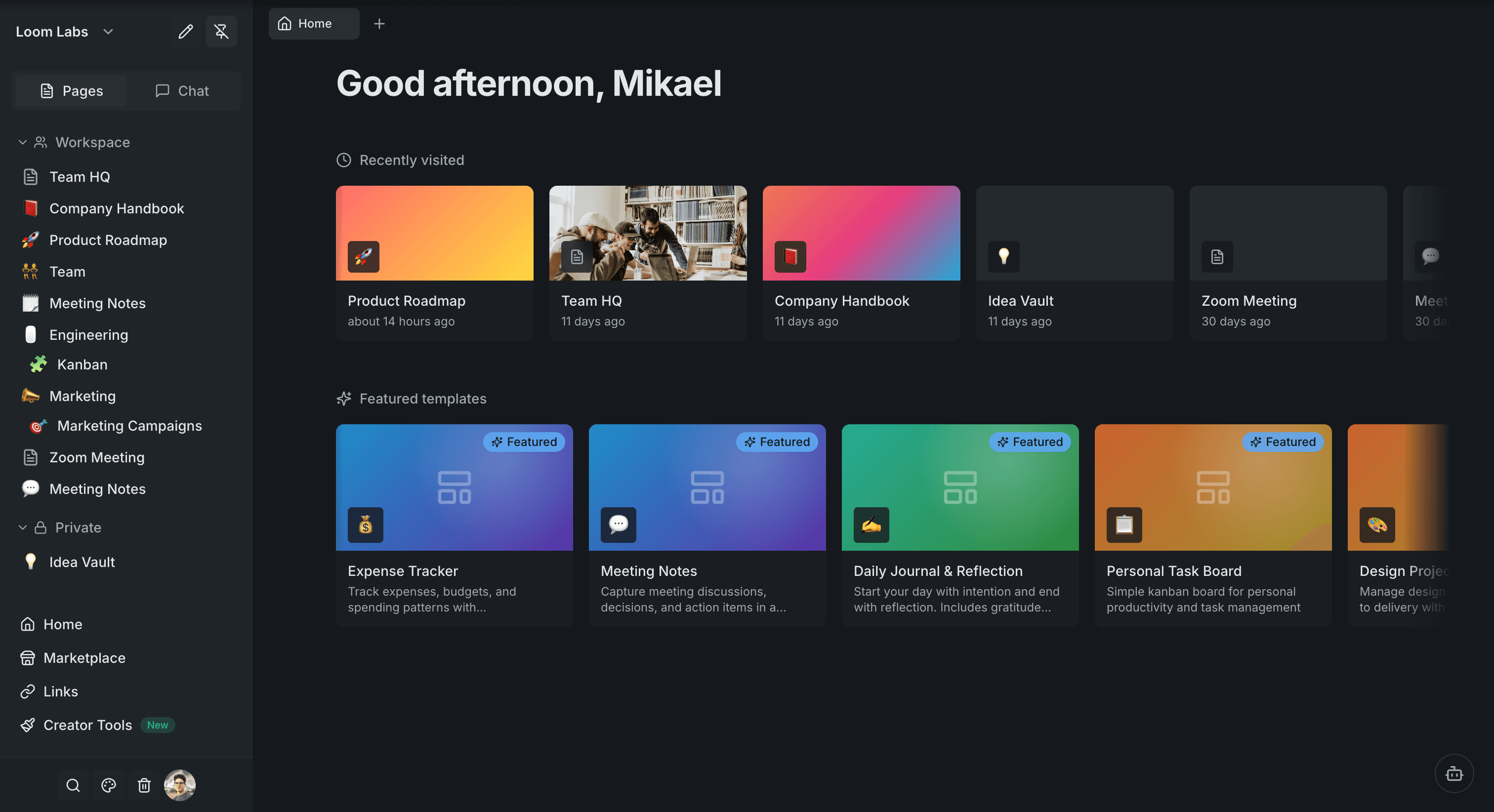
Your home dashboard
When you log in, you land on your home dashboard. Everything starts here — your recent pages, channels, and quick actions in one place.
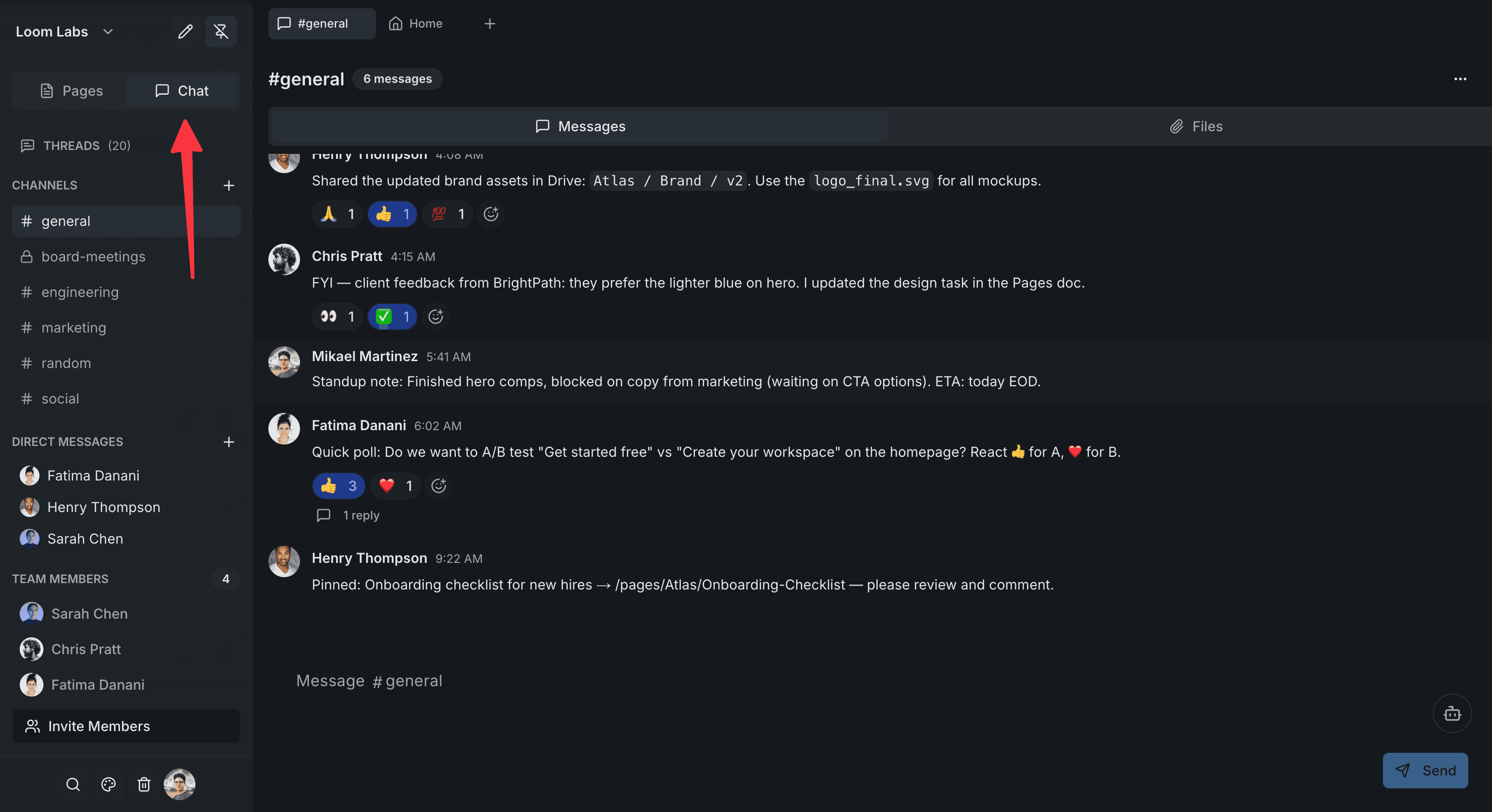
Open team chat
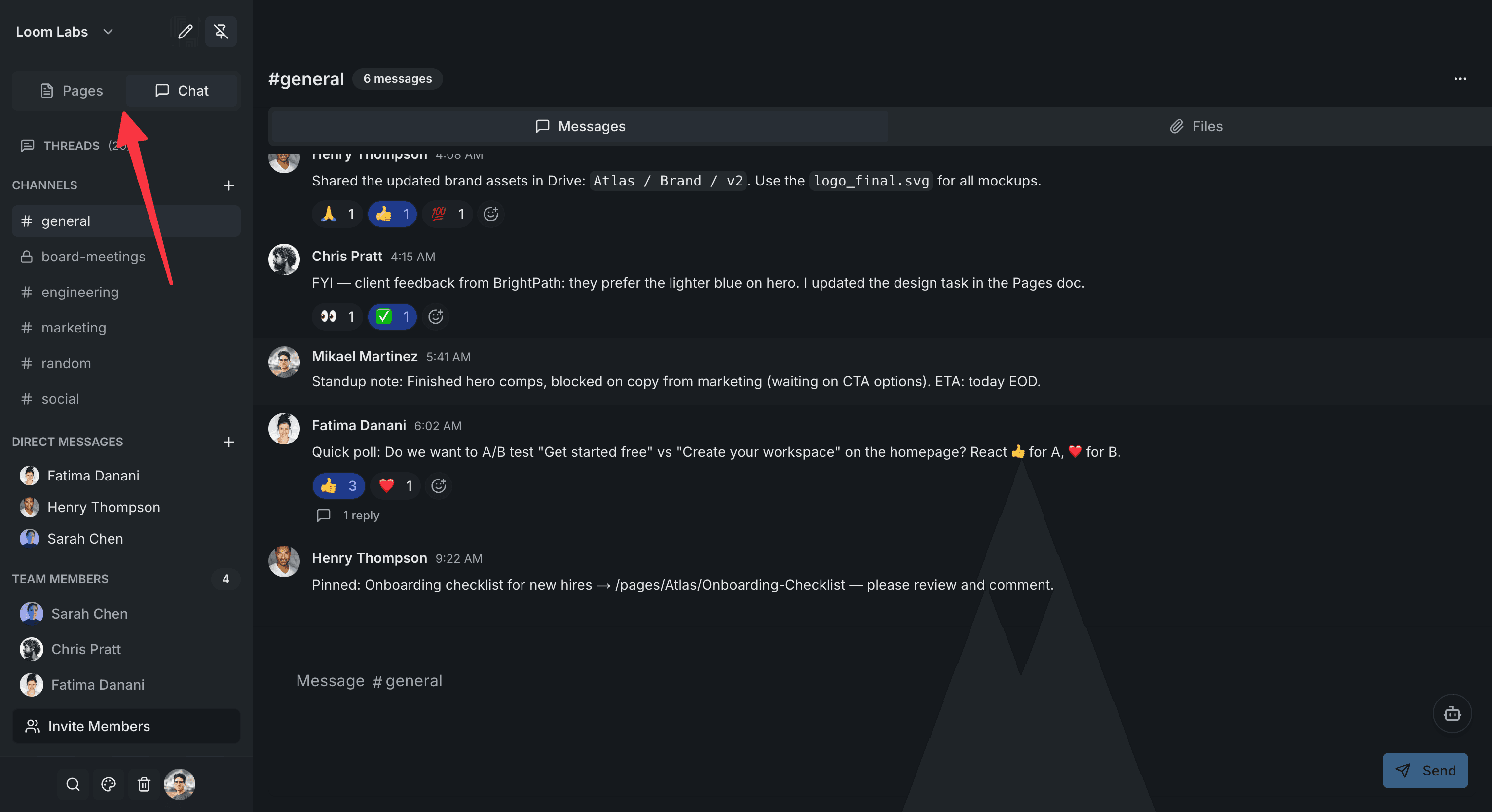
Click Chat in the sidebar to see your channels and direct messages. It works just like Slack — but it's built right into your workspace.
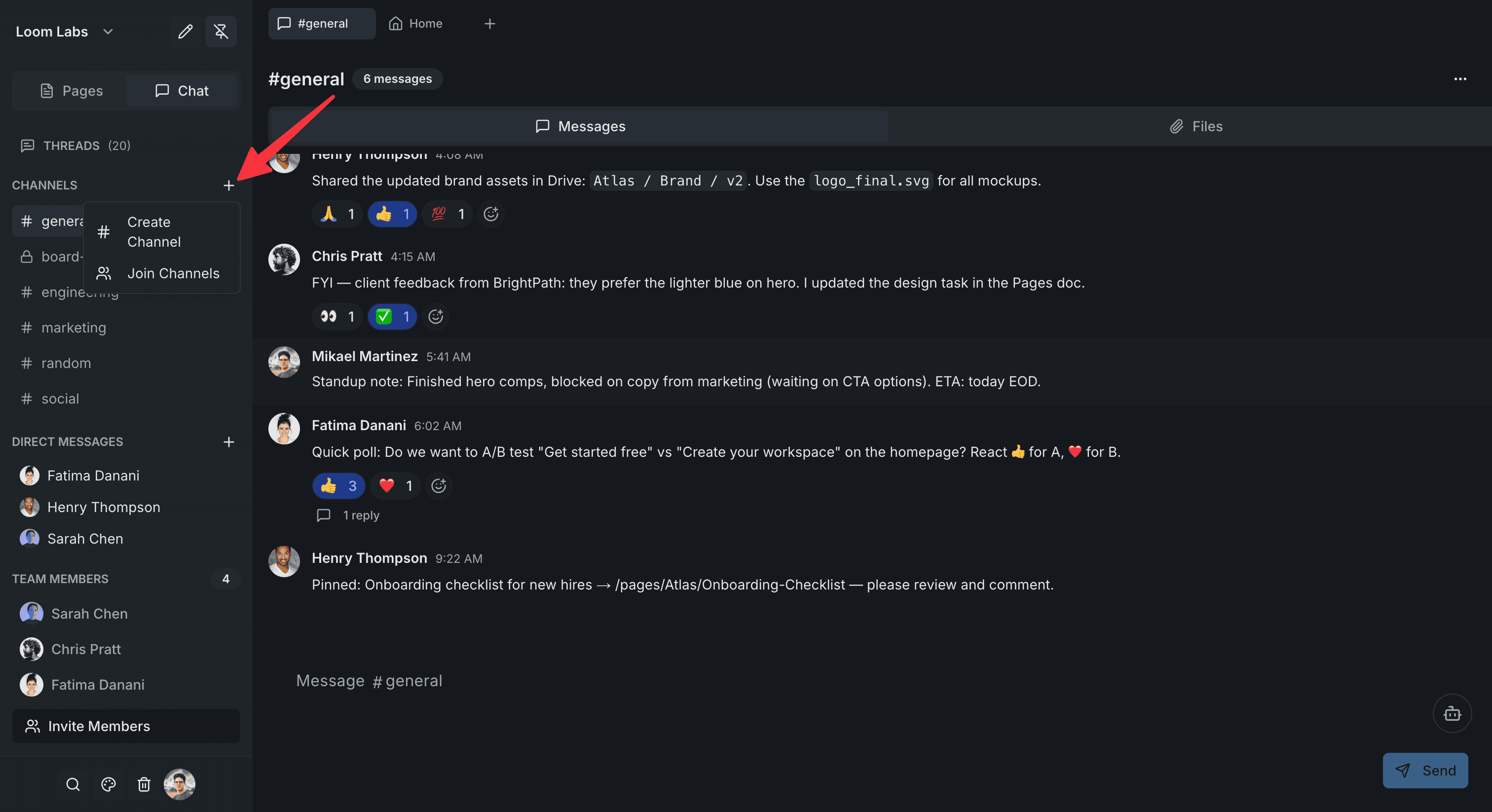
Create a channel
Click + next to Channels, name it something like #product-launch, add a description, and hit Create. Your team can join instantly.
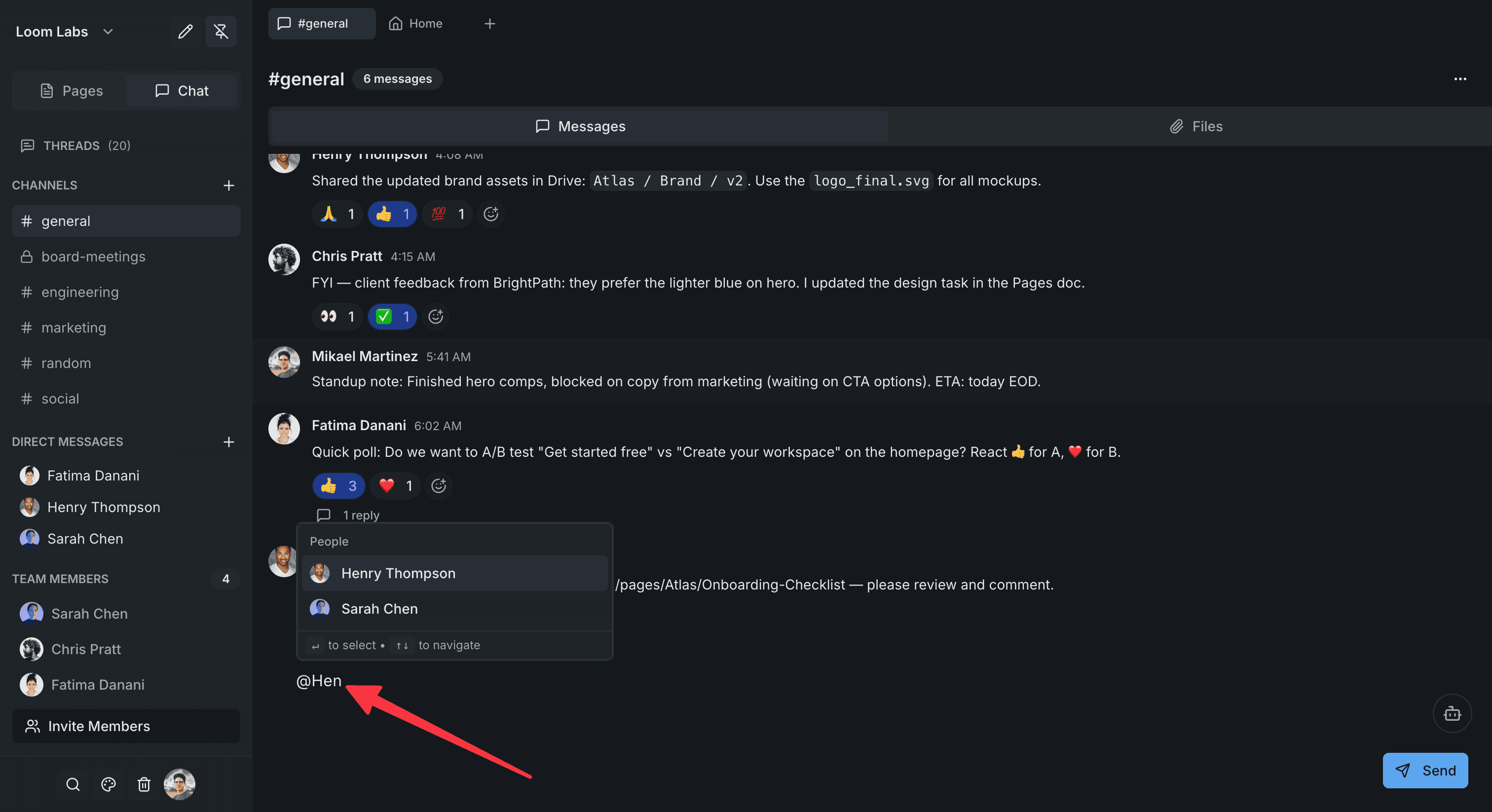
Send a message with @mentions
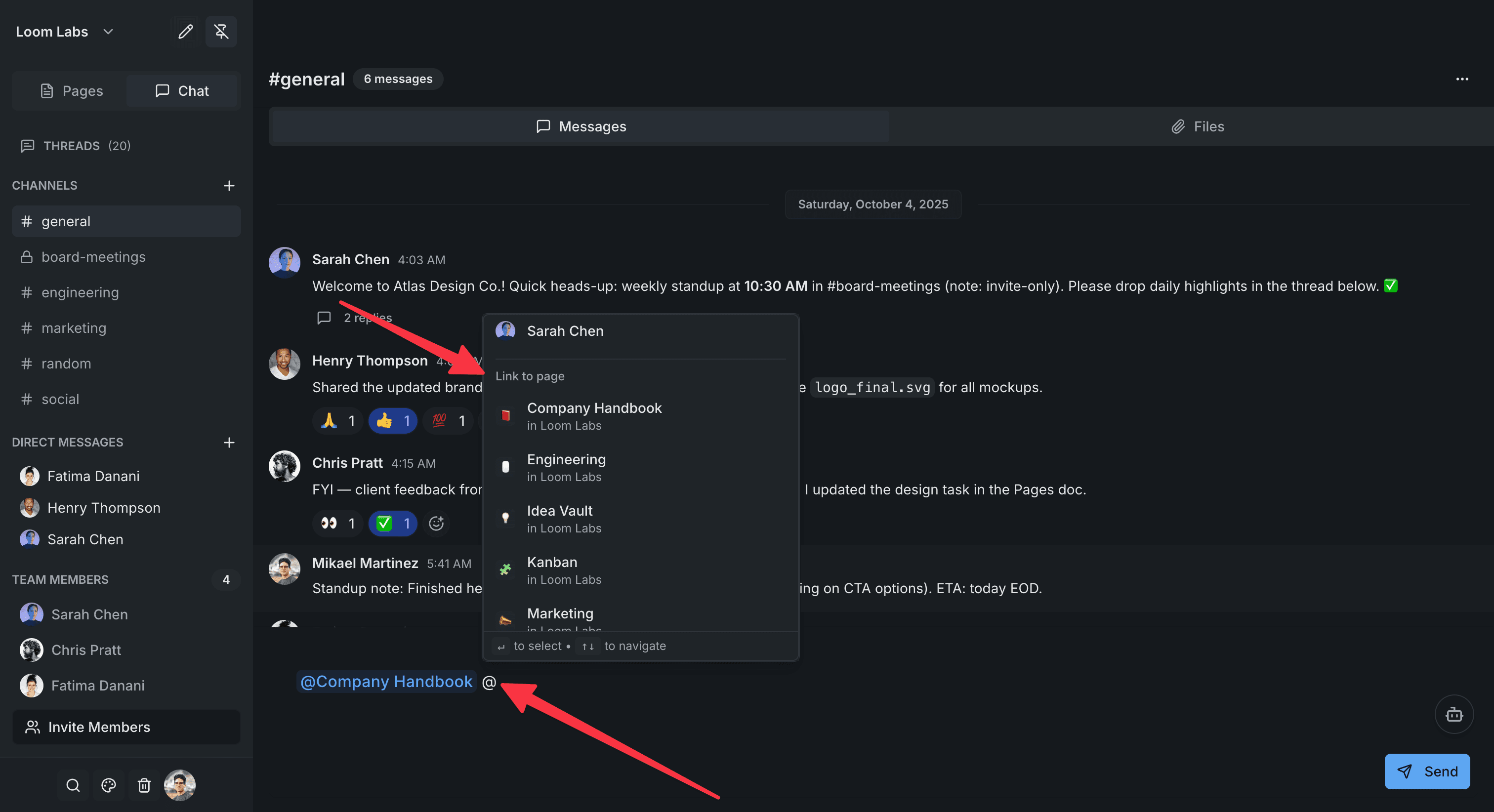
Type a message and @mention a teammate. The autocomplete popup makes it easy to loop anyone in. They'll get notified instantly.
Message appears in real time
Your message appears instantly for everyone in the channel. No refresh needed — it's real-time collaboration.
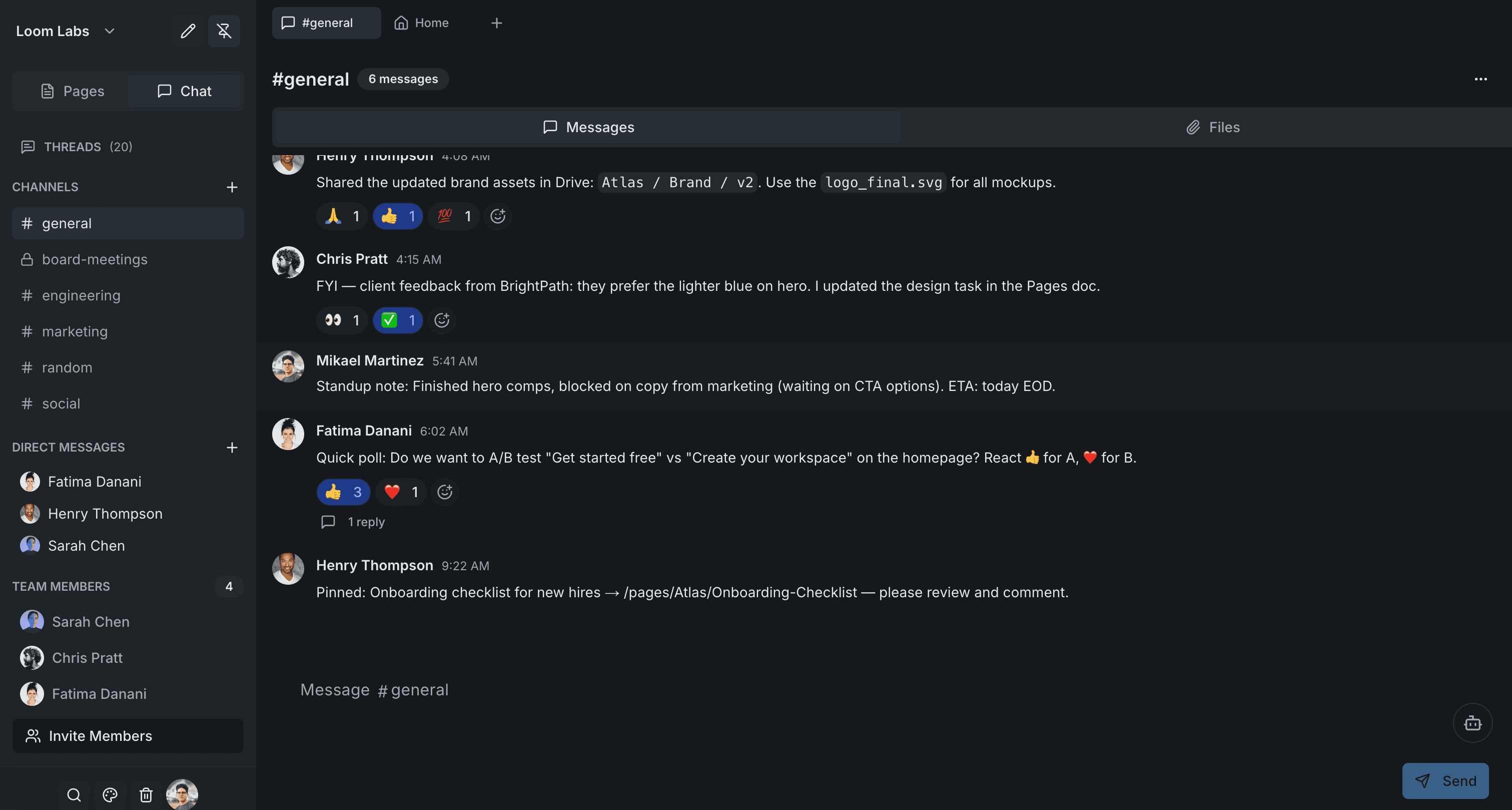
Switch to Pages
Click Pages in the sidebar. This is where your docs live — right next to your chat. No separate app needed.
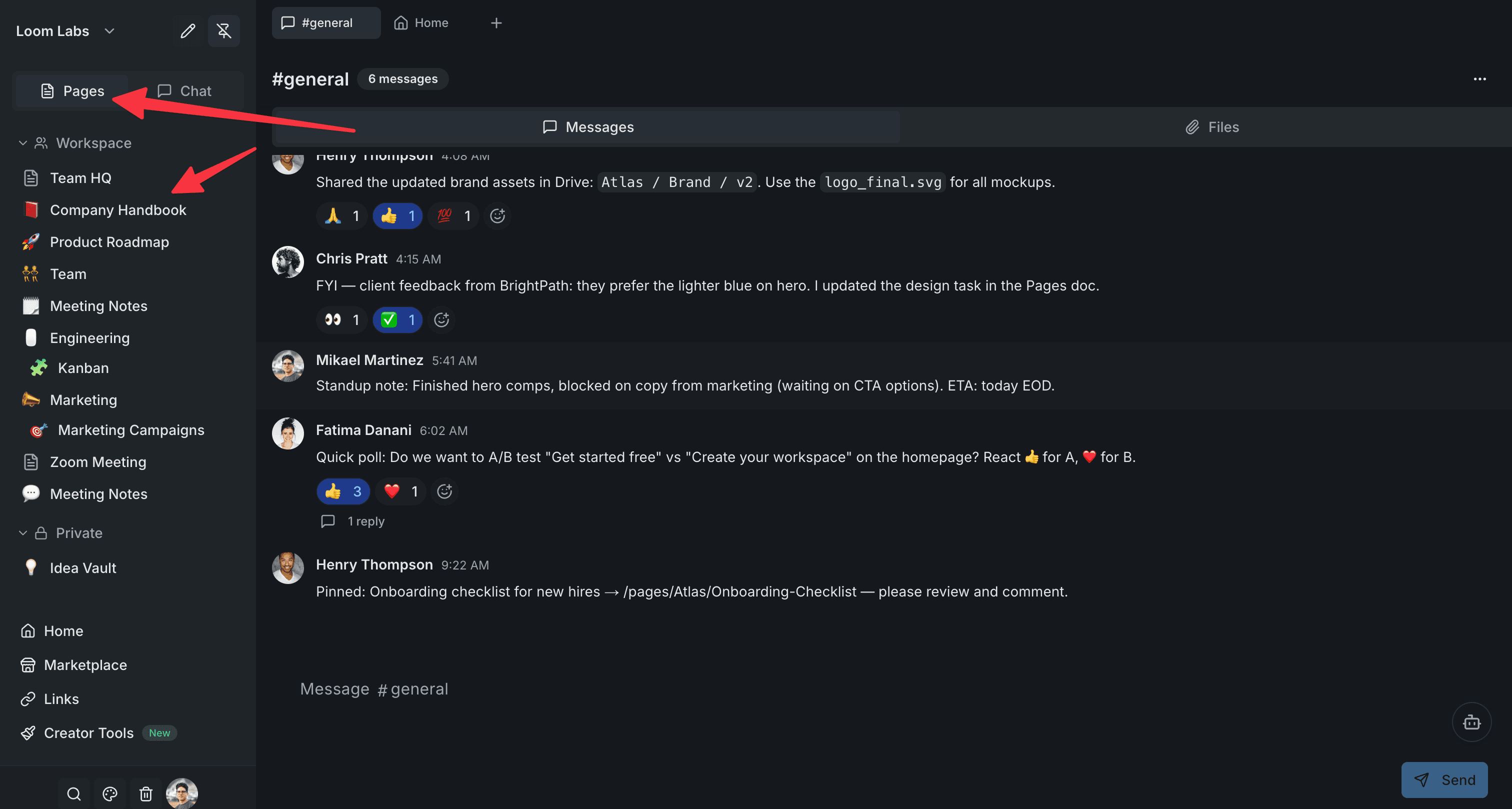
Create a new page
Click + to create a new page and give it a title like 'Product Launch Plan'. It's ready to edit immediately.
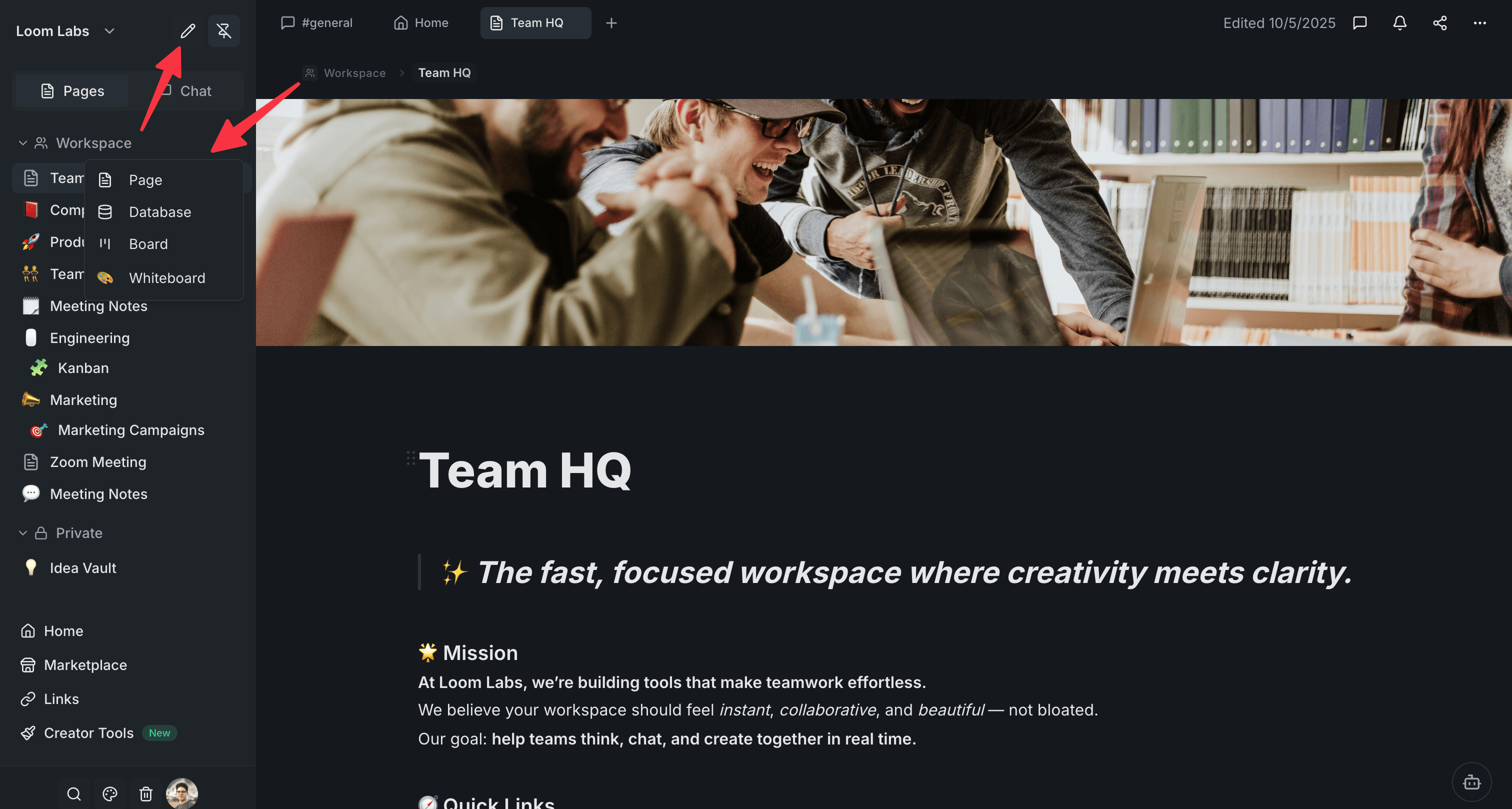
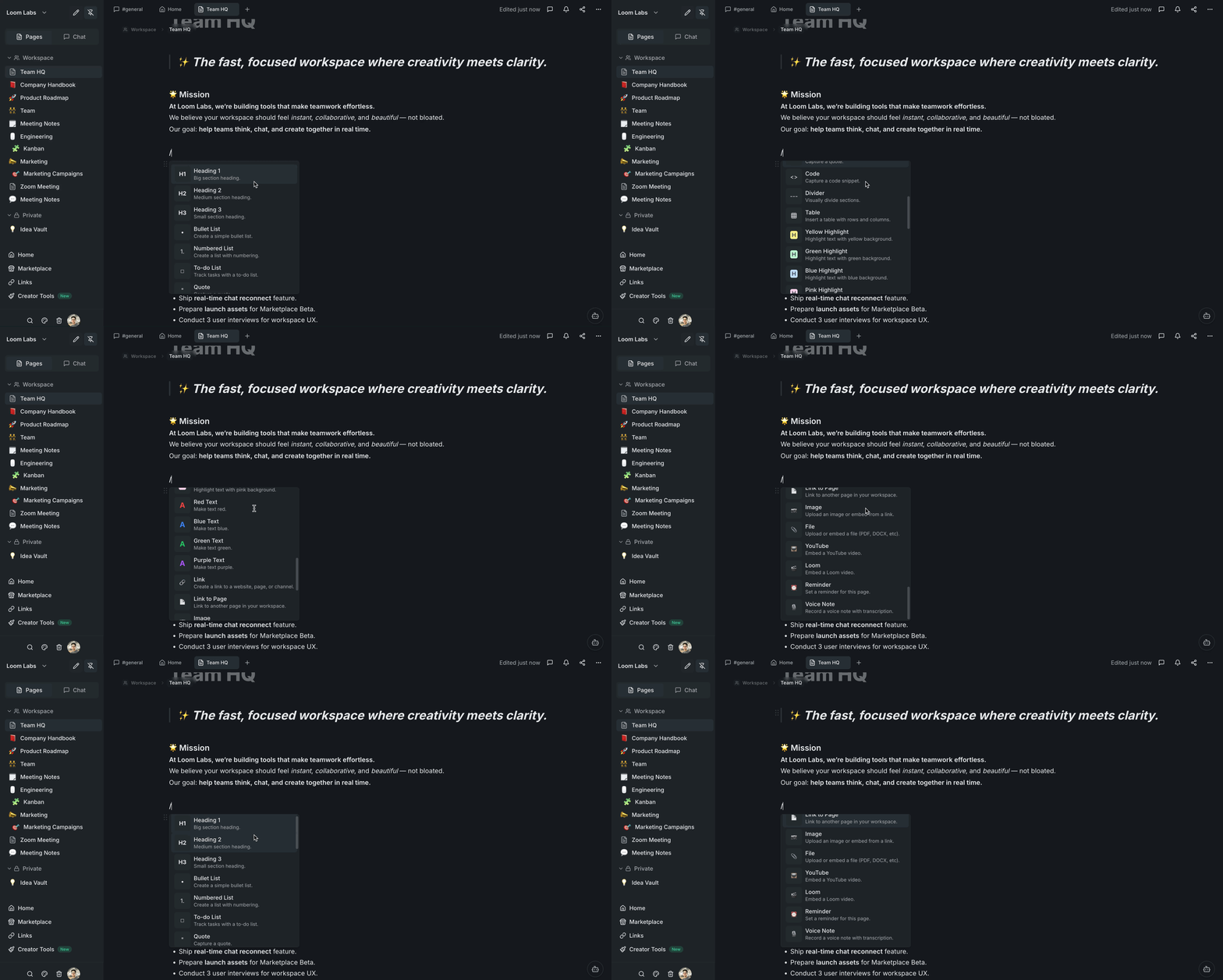
Rich editing with slash commands
Type / to access headings, bullet lists, code blocks, and more. Select text to bold, italicize, or format it — just like Notion.
Share your page publicly
Click Share, toggle public sharing on, and copy the link. Anyone with the link can view your page — perfect for sharing with clients or stakeholders.

Drop the link in chat
Head back to your channel and paste the page link. Your teammates can click through to the doc without leaving LumifyHub.
Switch between chat and docs instantly
One click to go from a channel to a page. One click back. No app switching, no context lost. This is why teams love it.
All in one place
Chat, docs, databases, and boards — all in one workspace. No more paying for Slack + Notion separately. Everything your team needs, together.